
PC Guide for Govt Services 2026
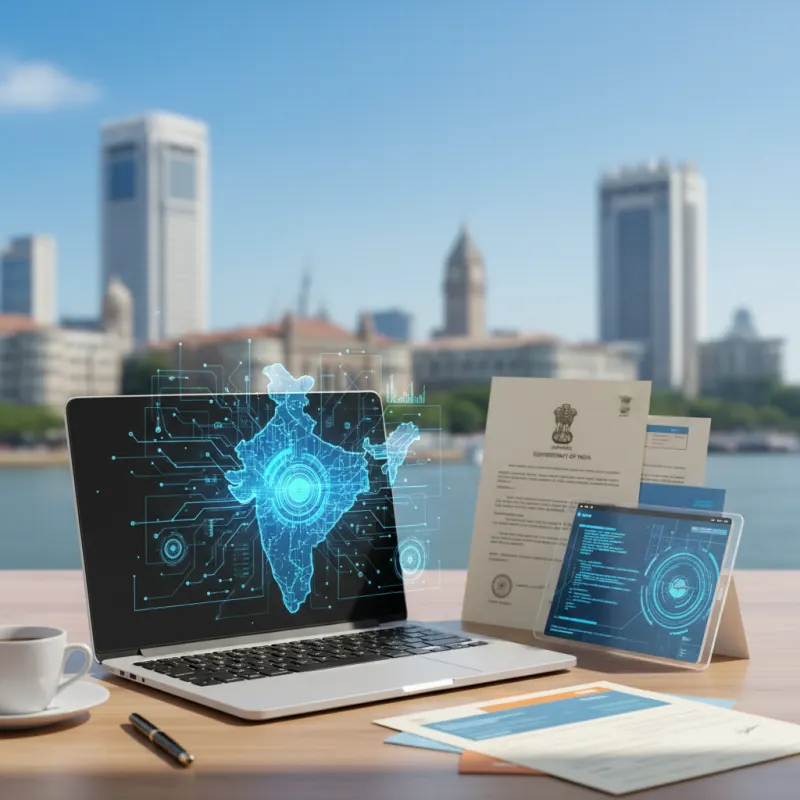
As of September 2026, interacting with Indian government services almost exclusively happens online. Whether you are filing your Income Tax Return (ITR), updating your Aadhaar, registering for GST, or applying for a passport, your computer is your primary tool. But a slow, outdated, or insecure PC can turn these tasks into a frustrating ordeal. This guide outlines the essential technical checks to ensure your computer is ready for a smooth experience with Digital India.
Why Your PC's Health is Crucial for Govt Services
A well-functioning computer is not just about convenience; it's about security and success. When dealing with sensitive government portals, the health of your device directly impacts the safety of your data and the completion of your applications.
Security and Data Privacy
Government portals require you to enter highly sensitive information, including your PAN, Aadhaar number, bank details, and personal data. A computer infected with malware, spyware, or viruses can expose this data to criminals, leading to identity theft and financial fraud. A secure PC is your first line of defence.
Compatibility and Application Failures
Government websites like the GST portal, the new Income Tax e-filing site, and the Passport Seva Kendra portal are constantly updated. Using an outdated operating system or an old web browser can lead to compatibility issues, causing forms to load incorrectly, buttons to fail, and session timeouts that force you to start over.
Performance in Time-Sensitive Tasks
Many digital tasks are time-sensitive. Submitting a tender with a Digital Signature Certificate (DSC), filing your ITR on the last day, or booking a Tatkaal passport appointment requires a fast and responsive system. A slow PC can cause you to miss critical deadlines, resulting in penalties or lost opportunities.
Your PC Health Checklist for Digital India 2026
Before you begin any important online government process, run through this technical checklist to ensure your system is prepared. This simple audit can save you hours of frustration.
1. Updated & Genuine Operating System (OS)
Your computer's OS is its foundation. Using old, unsupported versions like Windows 7 or 8 is a major security risk as they no longer receive security patches. For best compatibility and protection, ensure you are running a genuine, fully updated version of Windows 10 or Windows 11.
- Check for Updates: On Windows, go to Settings > Update & Security > Windows Update to check for and install the latest updates.
- Genuine Software: Using pirated software is risky. A genuine OS ensures you receive critical security updates directly from the provider.
2. Modern and Clean Web Browser
Your web browser is your gateway to online services. Most Indian government portals are optimized for the latest versions of Google Chrome, Mozilla Firefox, or Microsoft Edge.
- Update Your Browser: Always use the latest version available. Browsers typically update automatically, but you can check manually in the 'About' section of the settings.
- Clear Cache & Cookies: If a portal is misbehaving, clearing your browser's cache and cookies is often the first and most effective troubleshooting step.
3. Robust Antivirus and Security Software
This is non-negotiable. A reliable, updated antivirus program is essential for protecting your system from threats. Run a full system scan regularly, especially before performing any financial transactions or submitting sensitive applications online.
4. Essential Drivers & Software (Java, DSC)
This is a common point of failure for many users, particularly for business compliance tasks. Many portals for GST, Provident Fund (PF), and e-tendering rely on specific software to function.
- Digital Signature (DSC): Using a Class 3 DSC requires specific drivers for the USB token and the correct version of Java to be installed and configured in your browser. Incorrect setup is the top reason for DSC errors.
- Java: The MCA and e-tendering portals often require a specific version of Java. Ensure you have the recommended version installed.
5. Hardware Performance
If your computer takes ages to boot up or open applications, your hardware may be the bottleneck. A slow PC can make any online task a struggle.
- RAM (Memory): For smooth multitasking in 2026, 8GB of RAM is a good baseline. Less than that can cause your system to slow down when multiple tabs or applications are open.
- Storage (SSD vs. HDD): If your PC still uses a traditional Hard Disk Drive (HDD), upgrading to a Solid State Drive (SSD) will provide the single biggest performance boost. It drastically reduces boot times and makes the entire system feel faster.
Solving Common Tech Glitches on Govt Portals
Even with a healthy PC, you might run into some common issues. Here’s how to solve them:
- Pop-up Blockers: Government websites often use pop-up windows for OTPs, payment gateways, or to display CAPTCHAs. If a site isn't working correctly, try temporarily disabling your pop-up blocker for that specific site.
- PDF Reader: Documents like e-PAN, e-Aadhaar, and ITR acknowledgement (ITR-V) are provided as PDF files. Install and update a reliable PDF reader like Adobe Acrobat Reader to open and print these files.
- Scanner and Printer Drivers: For applications requiring document uploads, ensure your scanner is properly installed with the latest drivers. Similarly, a working printer is needed for printing application forms and acknowledgements.
Don't let a slow computer or technical glitches derail your important government work. From genuine Windows installation and PC tune-ups to setting up Digital Signatures and filing your ITR, Mahi IT Services in Mumbai offers a one-stop solution. We bridge the gap between technology and compliance, ensuring your digital experience is smooth and secure. Contact us today for reliable IT and government service assistance!
Related services from Mahi IT Services
We handle the paperwork end to end — see pricing and required documents.
Need help with this?
Message us on WhatsApp — we will tell you exactly which documents you need and how long it takes.