
Apply for New Voter ID Card Online in Mumbai (2026 Guide)
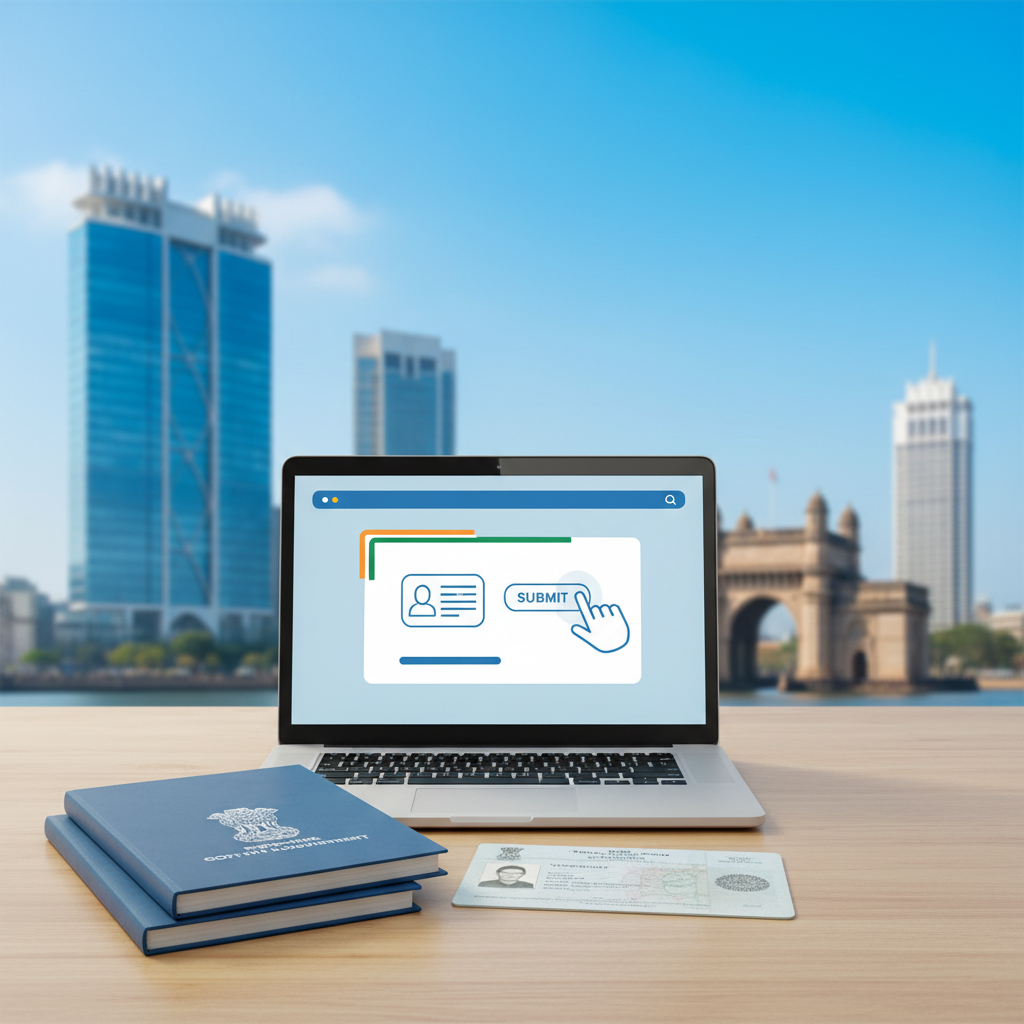
How to Apply for a New Voter ID Card Online in Mumbai (2026 Guide)
The Elector's Photo Identity Card (EPIC), commonly known as the Voter ID card, is a crucial document for every Indian citizen. It not only empowers you to participate in elections but also serves as a valid proof of identity and address across the country. If you've recently turned 18 or haven't registered to vote yet, the process is now simpler than ever. This guide will walk you through applying for a new Voter ID card online in Mumbai and surrounding areas like Thane, Navi Mumbai, and Dombivli.
Who is Eligible for a New Voter ID Card?
Before starting the application, ensure you meet the eligibility criteria set by the Election Commission of India (ECI). You can register as a voter if you:
- Are an Indian citizen.
- Are 18 years of age or older on the qualifying date (usually January 1st of the application year).
- Are an ordinary resident of the polling area/constituency where you wish to be enrolled.
- Are not otherwise disqualified from being enrolled as a voter.
Documents Required for Voter ID Registration in Mumbai
To complete your application smoothly, you'll need digital (scanned) copies of a few key documents. Make sure they are clear and legible before you begin.
Proof of Age (Any One)
- Aadhaar Card
- Birth Certificate issued by a Municipal Authority or registrar
- PAN Card
- Driving License
- Indian Passport
- Marksheet of Class 10, 8, or 5 showing Date of Birth
Proof of Address (Any One)
- Aadhaar Card
- Current Bank Passbook / Post Office Passbook with your address
- Indian Passport
- Rental Agreement
- Latest utility bill (Water, Electricity, Gas) in your name or your immediate relation's name (like parents)
Other Mandatory Items
- A recent passport-sized photograph with a plain white background (in JPEG/JPG format).
How to Apply for a New Voter ID Card Online: Step-by-Step Process
The official portal for all voter-related services is the Voters' Service Portal by the ECI. The process is entirely digital, saving you time and effort.
- Visit the Portal: Go to the official Voters' Service Portal: voters.eci.gov.in
- Create an Account: If you're a new user, click on 'Sign Up' and register using your mobile number and email ID. Create a password and complete the registration. If you already have an account, simply log in.
- Fill Form 6: Once logged in, look for the section for new voter registration. You will need to fill out Form 6 (Application for Inclusion of Name in Electoral Roll for a First-time Voter). Click on 'Fill Form 6'.
- Enter Details: The form will guide you through several sections. You need to carefully enter your details, including:
- State (Maharashtra), District (e.g., Mumbai Suburban, Thane), and Assembly/Parliamentary Constituency.
- Personal details like your full name, surname, and the name of a relative (father/mother/husband).
- Contact details (mobile number and email).
- Date of Birth and Gender.
- Current residential address where you want to be registered as a voter.
- Upload Documents: In the relevant section, you will be prompted to upload the scanned copies of your passport-sized photo, Proof of Age, and Proof of Address. Ensure the file sizes are within the specified limits.
- Declaration: Fill out the declaration section, confirming that you are an Indian citizen and have not applied for inclusion in the electoral roll in any other constituency.
- Preview and Submit: Before final submission, the portal will show you a preview of your filled Form 6. Review every detail for accuracy, especially spellings of your name, address, and your date of birth. Once you are sure everything is correct, click 'Submit'.
- Note Your Reference ID: After successful submission, a unique Application Reference ID will be generated. Save this number securely. You can use it to track the status of your application on the same portal.
What Happens After You Apply?
Submitting the form is just the first step. Here’s what follows:
- Verification: Your application details will be verified by election officials.
- Field Verification: A Booth Level Officer (BLO) from your area may visit your registered address to verify your residency. They might ask to see the original documents you uploaded.
- Inclusion in Electoral Roll: Once verification is successful, your name will be included in the electoral roll for your constituency.
- Card Dispatch: Your Voter ID card (EPIC) will be printed and sent to your registered address via post. You can also download a digital version (e-PIC) from the portal once it's approved.
Common Mistakes to Avoid
- Spelling Errors: Double-check the spelling of your name and address. A mistake here can cause problems later.
- Poor Quality Documents: Ensure your scanned documents are clear and readable. Blurry or cropped documents can lead to rejection.
- Wrong Constituency: Make sure you select the correct Assembly Constituency based on your residential address. If you're unsure, you can find it on the ECI website or ask a family member.
The online application process is straightforward, but mistakes can lead to delays or rejection. If you find the process confusing or don't have the time to go through these steps, professional assistance can ensure your application is filled out correctly the first time.
Why Choose Mahi IT Services?
At Mahi IT Services, we specialize in simplifying government documentation processes for residents of Mumbai, Thane, Navi Mumbai, and nearby areas. Our team can provide end-to-end assistance with your new Voter ID card application. We ensure your form is filled accurately, your documents are correctly formatted, and your application is submitted without any errors. From Govandi and Chembur to Ghatkopar and Kurla, we are your local experts for all Aadhaar, PAN, and Voter ID services, helping you save time and avoid common pitfalls.